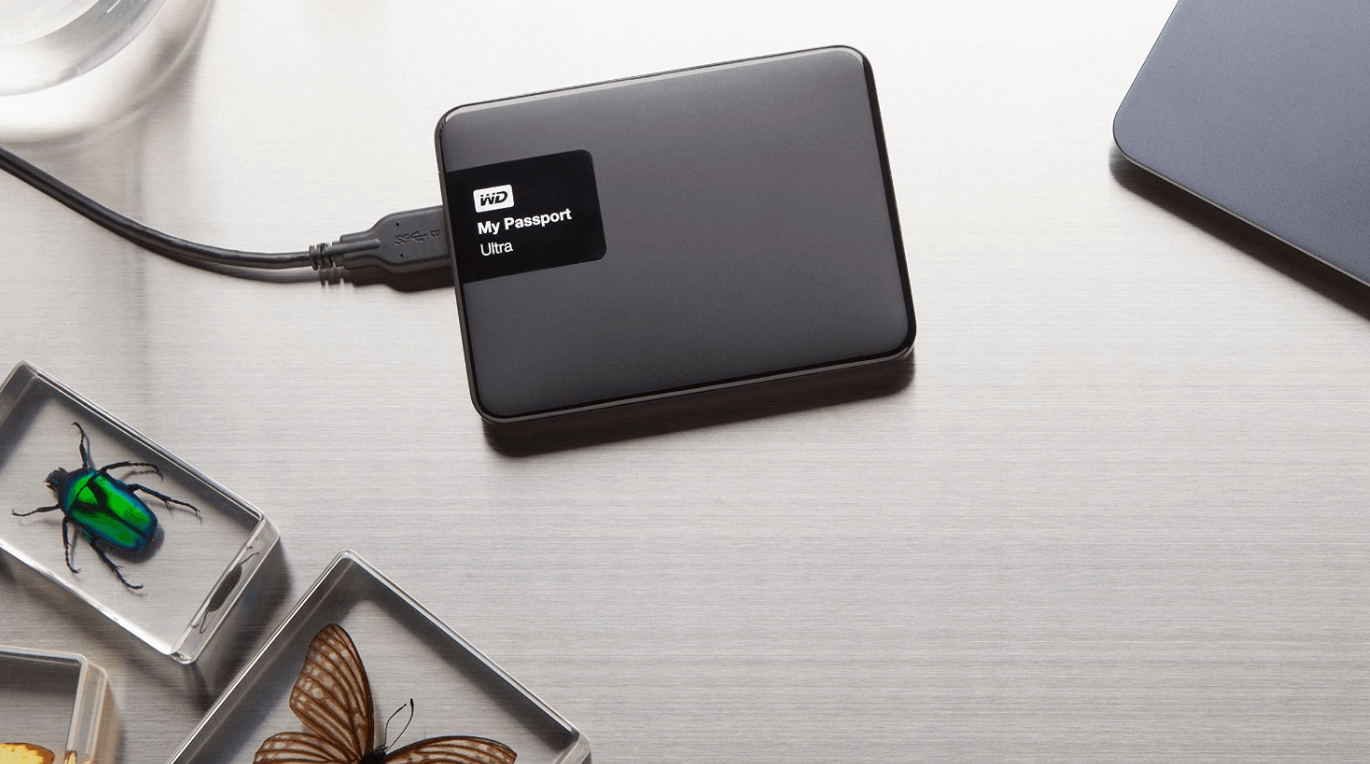
A lot of data and temporary work are usually done in the mobile hard disk, there is more than 40 G. Yesterday afternoon, the working document was opened usually, and suddenly the prompt could not be opened. The mobile hard disk has become the raw format, the original set of disk volume label also absent, the available space and the remaining space have become 0 bytes, open the hard disk prompt to format.
You must to know how to recover data from raw hard drive.
Recent temporary work is in place, and formatting is impossible.
The first action is to call the system’s repairs without any response.
The second action is to download the Doctor of Easy Partition Table and check that everything on the disk is healthy.
The third action is to search on the Internet. There are many similar problems in the past. There are only a few solutions, each of which is time-consuming.
Final data recovery started, and after half a day of searching, it was found that some of the required files could not be restored.
It’s also ineffective to try to modify the security policy that is said on the internet. I started to sweat a little bit on my head. What I fear most is to rework.
No way, it’s just dinner time and let things go.
After a night’s rest, the next morning, I temporarily remembered a lot of computer problems that had been solved. DOS commands were still more effective. It was not used for a long time. The black and white screen was almost forgotten by strangers.
Quickly enter cmd, open the command prompt window, enter CHKDSK /? query instructions
Then enter CHKDSK I: / F (i is the character of the mobile hard disk I’m using)
Quickly, there was a prompt, and when you saw that both the disc and the scrolling label were correct, you felt that there was a door.
Then, the prompt “inserting an index item in index $0 of file 23” is followed.
Two minutes later, the creation of analysis points, the creation of quota files, the completion of security descriptor verification, prompt for repair.
More than 40 G files, less than two minutes, repair completed.
Open my computer, see the familiar label of hard disk volume again, double-click open, everything is back to normal, happy.
2A b#dXG
A lot of problems, when it comes to the crux, are still the old ones.
A few more ways of searching the Internet may also come in handy.
Method 1:
Step 1: First, go to the Control Panel and switch to the classic view. Find the Management Tool, double-click Open, double-click Open Local Security Policy, click the plus sign in front of Local Policy, click Security Options, find the item “Network Access: Sharing and Security Mode of Local Account” in the right window, and then set the security settings “Only” after it. Guest-Local User Identity Authentication should be replaced by “Classic-Local User Identity Authentication.”
Step 2: Open my computer, right-click on the RAW format partition, click on the property, find the “security” label in the pop-up property dialog box, delete the random code in the “group or user name” list box, and then add the local user.
If you right-click on the partition and there is no “security” label in the pop-up property dialog box, you can open “My Computer,” click “Tools” – Folder Options”- View in turn, and cancel the check before”Use Simple File Sharing (Recommendation).” Method 2: [/b][/size] Click Tools — “Folder Options” — and check out “Use Simple File Sharing”. Partitions in RAW format (originally NTFS partition format) have “Security Options” and reset their permissions. Then do CHKDSK repair, it should be repaired, if you can not find the “security” label, and then follow the “prompt” of method one.

 software